Canva Online Live Class by Experts
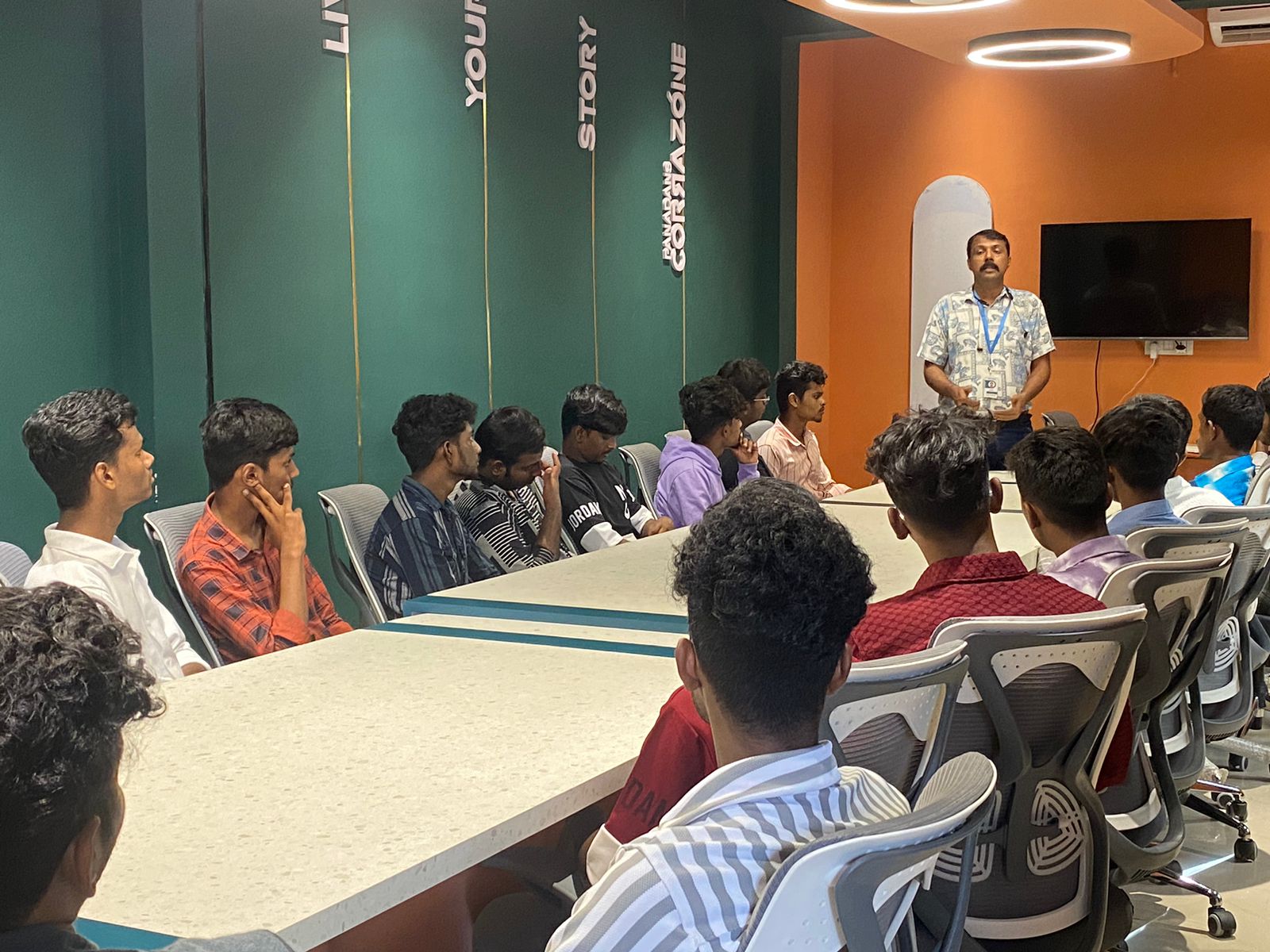
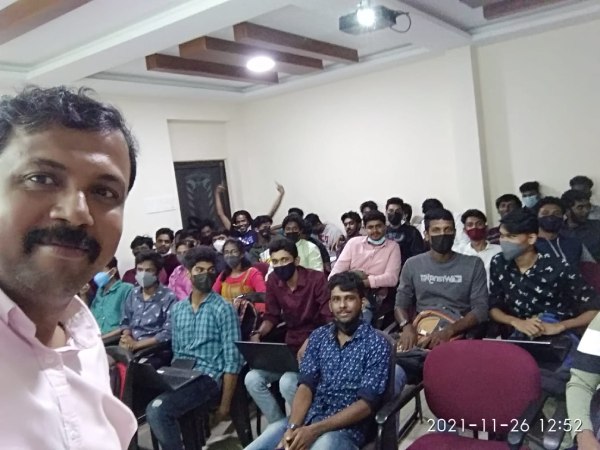
Our Training/Internship Process

Canva - Syllabus, Fees & Duration
Section 1: Introduction to Canva
- Welcome to Canva!
- Logging / Setup Canva Account
- Layouts & Templates
- Get you setup with your Canva & account
- Tour of your dashboard
- Learn about the different types of templates Canva has
- Learn how to use the pre-designed layouts
- Downloading your work
- Working with text
- Photo backgrounds & Shapes
- Illustrations, icons and lines
- Adding pages to a design
- Image
- Text features and Charts
- Album cover
- Youtube thumbnail
- Twitter header
- Facebook post
- Ebook cover
- Documents
- Data and charts
- Presentation slides
Section 2: Fonts, Colors, and Images
- Typography and font pairing
- Using icons effectively
- Organising the dashboard
- Sharing designs
- Adding links
- Upgrading to Canva for Work
- Brand colors
- Custom filter codes
- Color codes
- Color scheme
- Introduction to the color wheel; creating a color palette
- How to use grids; transparency; photo filters
Section 4: Advanced Topics
- Brand Kit
- Magic Resize
- Paid Elements
- Folders for Elements
- Background Remover
- Teams, Exporting and Scheduling
- Learn more advanced techniques
- Learn how to create a logo from scratch
- Learn how upload your own graphics, logos, images
- Learn how to organize your designs
- See where I go to purchase stock photography
- Videos Overview / Editing
- Video Tools
- Animations
- Animated Presentations
- Adding Music
This syllabus is not final and can be customized as per needs/updates
- Since 2001, Making IT Experts by Experts
- Duration: 10 Hours (Vary as per your skill)
- Course Fees
- Individual Live Classes (1:1)
- Batch Classes @ Low Fees
- Training on Your Time, Any Where
- Access to Recorded Videos
- Practical Internship on Projects
- 100% Placement Support by our jobsNEAR.in
- Training/Internship Certificate
- Agra
- Ahmedabad
- Alappuzha
- Aurangabad
- Bangalore
- Belgaum
- Bellary
- Bhubaneswar
- Chennai
- Cochin
- Coimbatore
- Delhi
- Dindigul
- Erode
- Gulbarga
- Guntur
- Gurgaon
- Haryana
- Hyderabad
- Idukki
- Indore
- Jaipur
- Kalyan
- Kannur
- Kanpur
- Kasaragod
- Kerala
- Kolkata
- Kollam
- Kottayam
- Kozhikode
- Lucknow
- Madurai
- Malappuram
- Mangaluru
- Mumbai
- Mysuru
- Nagpur
- Nashik
- Navi Mumbai
- Nizamabad
- Noida
- Palakkad
- Pathanamthitta
- Pune
- Punjab
- Salem
- Shimla
- Solapur
- Surat
- Thane
- Thanjavur
- Thirunelveli
- Thoothukudi
- Thrissur
- Tiruchirappalli
- Tiruppur
- Trivandrum
- Vadodara
- Varanasi
- Vellore
- Vijayawada
- Visakhapatnam
- Wayanad
Course Highlights

Our Locations

 Canva style courses is also a really easy-to-use and free online software platform for creating stunning graphics throughout an awfully short quantity of your time. As a result, users can produce art designs and documents simply. Nestsoft will teach you Canva with these top Canva coaching courses, offered online. If you're working on a design for a company and you would wish to use a specific logo, additionally as it permits you to easily upload the logo for free. using canvas easy to transfer your style as a png, pdf, jpg, SVG, even MP4 video or gif. Having preset decisions will save someone so much time when attempting to work out specific dimensions for their creation. simply click on the kind of content you'd wish to create and that they have already got everything sized and designed for you. Its premade layouts and a large library of design create it the go-to graphics software for many companies and entrepreneurs. Canva might be a nice design tool for promotional material professionals. style effective social media posts, blog graphics, displays, posters, flyers, eBook Creation Basics, produce PDFs, PowerPoint presentations, and plenty of making your own custom dimension design, also our Canva Graphic design for Beginners is completely compatible with any quiet device.